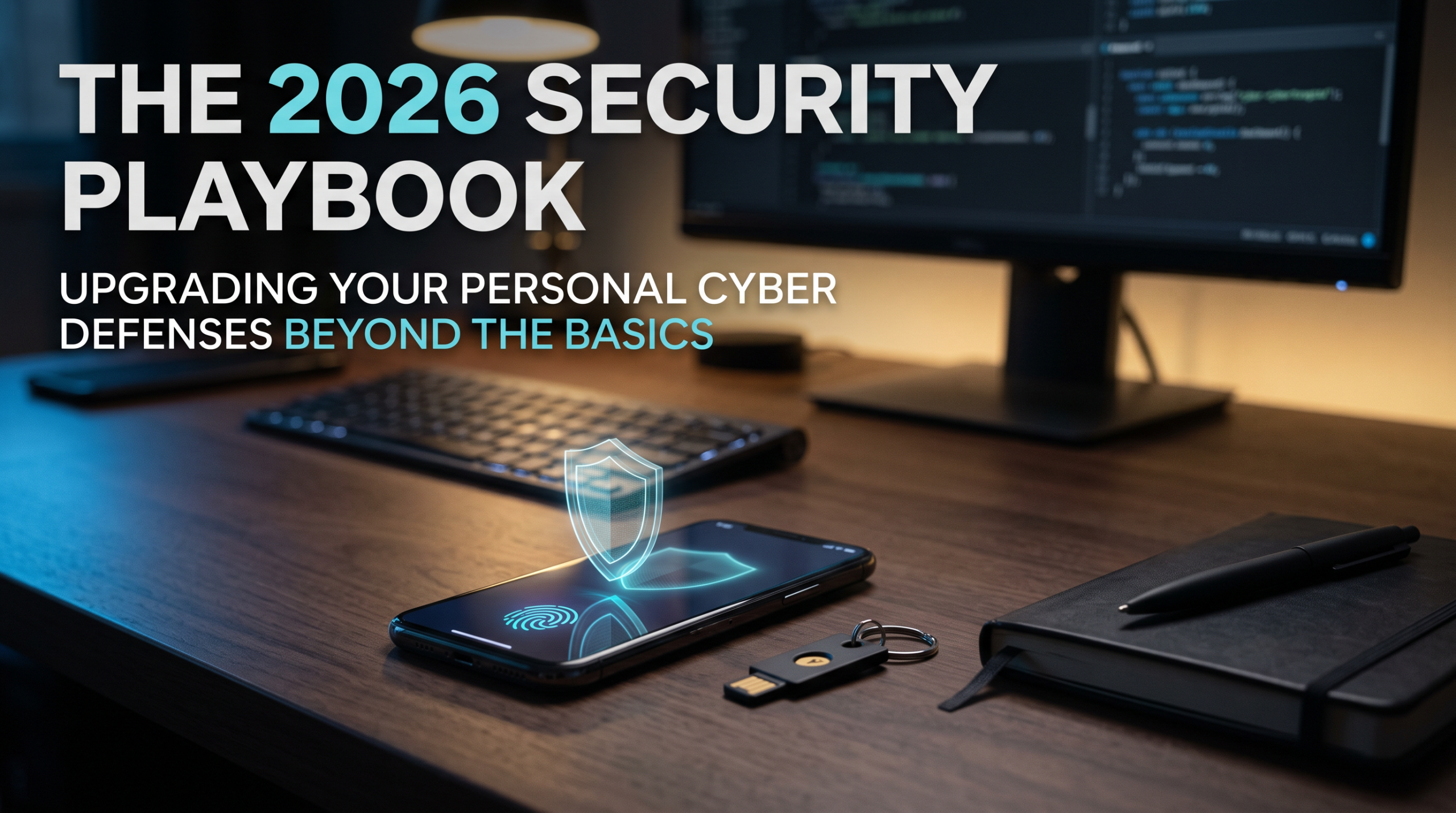
The 2026 Security Playbook: Upgrading Your Personal Cyber Defenses Beyond the Basics
For years, standard cybersecurity advice felt like a broken record. “Use a strong password,” “don’t click on suspicious links,” and “update your software.” While fundamentally sound, this baseline advice is no longer sufficient. The threat landscape has evolved from clumsy, easily spotted phishing emails to highly sophisticated, AI-driven social engineering and automated credential stuffing.
In 2026, personal cybersecurity is no longer just about protecting your data; it is about protecting your identity, your finances, and your reputation from adversaries who have access to enterprise-grade hacking tools. The good news is that the defenses have evolved, too. By adopting modern, frictionless security habits, you can build a digital fortress that is both highly secure and surprisingly easy to maintain. Here is the data-backed blueprint for upgrading your personal security this year.
The Password is Dead. Long Live the Passkey.
The traditional password is a fundamentally flawed security mechanism. It relies on human memory, which inevitably leads to reuse, predictable patterns, and eventual compromise. Fortunately, the industry has finally rallied behind a superior alternative: the passkey.
A passkey uses public-key cryptography and your device’s built-in biometrics (like Face ID, Touch ID, or a device PIN) to authenticate you. Instead of sending a secret string of characters to a server, your device cryptographically proves your identity locally. This makes passkeys inherently immune to phishing, as there is no password for an attacker to intercept, steal, or guess.
The adoption data is staggering. According to the FIDO Alliance, there are now 5 billion active passkeys in use worldwide, and consumer awareness has reached near-universal levels [[5]]. Furthermore, passkeys boast a 93% login success rate, drastically outperforming traditional passwords, which languish around 63% due to forgotten credentials and frustrating reset loops [[7]].
The Fix: Stop relying on SMS-based two-factor authentication (2FA), which remains highly vulnerable to SIM-swapping attacks. Audit your most critical accounts (primary email, banking, and your main password manager) and enable passkey authentication wherever it is offered. For sites that do not yet support passkeys, use a hardware security key (like a YubiKey) or a robust authenticator app as your secondary line of defense.
The Rise of AI Voice Cloning: Why You Can No Longer Trust Your Ears
If passkeys solve the digital authentication problem, a new, more insidious threat has emerged on the social engineering front: AI voice cloning. In the past, “vishing” (voice phishing) required a human scammer with a convincing accent and a well-rehearsed script. Today, attackers need only three seconds of your audio—scraped from a public social media video or a voicemail greeting—to clone your voice with terrifying accuracy.
The scale of this threat has exploded. Industry reports indicate that AI-powered scams surged by over 1,200% in recent years, with AI voice cloning and vishing attacks now exceeding 1,000 targeted calls per day at major organizations [[12]]. Financial institutions have reported a 32% increase in AI voice fraud attempts, leading to multi-million-dollar losses as scammers impersonate executives or distressed family members to authorize urgent wire transfers [[18]].
The psychological impact of hearing a loved one’s voice in distress is profound, often bypassing logical reasoning entirely. Attackers are weaponizing empathy, and traditional skepticism is no longer enough.
The Fix: You cannot rely on caller ID or voice recognition alone. Establish a “Family Safe Word” or a specific, obscure verification question with your immediate family and close colleagues. If you receive an urgent, out-of-character call asking for money or sensitive information, hang up and call the person back on their known, verified number. If they claim their phone is broken, ask for the safe word. A genuine person will know it; an AI scammer will not.
Home Network Zero Trust: Treating Your Router Like a Fortress
The permanent shift to remote and hybrid work has blurred the lines between personal and professional digital environments. For cybercriminals, the home network is the path of least resistance. While corporate networks are heavily fortified with advanced threat detection, home networks are frequently protected by nothing more than a default router password and outdated firmware.
Recent cybersecurity analyses highlight that remote workers have become prime targets precisely because home network security is typically far weaker than enterprise environments [[21]]. A compromised smart thermostat or an unpatched Wi-Fi camera can serve as a beachhead for attackers to pivot laterally and access the laptop you use for banking or remote work.
The solution is to adopt a “Zero Trust” mindset at home. Zero Trust operates on the principle of “never trust, always verify.” It assumes that the network is already compromised and segments access accordingly.
The Fix: You do not need an enterprise IT budget to implement basic Zero Trust principles in your living room.
- Network Segmentation: Log into your home router and create a separate “Guest Network.” Connect all your Internet of Things (IoT) devices—smart bulbs, refrigerators, and budget security cameras—to this guest network. Keep your primary devices (laptops, smartphones, tablets) on your main, password-protected network. This creates a digital bulkhead; if a smart device is hacked, the attacker cannot easily reach your sensitive data.
- Firmware Autopilot: Enable automatic updates on your router. Most modern routers allow you to toggle this on in the administrative settings. This ensures you are protected against newly discovered vulnerabilities without requiring manual intervention.
- DNS Filtering: Consider using a privacy-focused DNS service (like NextDNS or Quad9) on your router. These services automatically block known malicious domains, phishing sites, and malware servers at the network level, protecting every device connected to your Wi-Fi simultaneously.
3 Actionable Steps to Bulletproof Your Digital Life Today
Security is not a product you buy; it is a process you practice. You do not need to implement every advanced measure overnight. Start with these three high-impact, low-friction actions this week.
1. Conduct a “Critical Account” Passkey Audit
Do not try to migrate all 200 of your online accounts to passkeys at once. You will burn out. Instead, identify your “crown jewels”: your primary email account, your main password manager, your financial institutions, and your government ID portals. Enable passkeys or hardware security keys on these specific accounts first. This single action neutralizes the vast majority of targeted account takeover attempts.
2. Implement the “Out-of-Band” Verification Rule
Train yourself to never trust a digital request that creates a false sense of urgency. If you receive an email, text, or call claiming to be from your bank, a delivery service, or your IT department, do not interact with the provided links or numbers. Instead, open a new browser tab, navigate to the official website directly, or call the customer service number printed on the back of your physical card. Verifying the request through a completely separate communication channel defeats 99% of social engineering attacks.
3. Prune Your “Connected Apps” Quarterly
Every time you click “Sign in with Google” or “Sign in with Facebook” on a third-party website, you grant that application access to your core account data. Over time, you accumulate dozens of these connections. If one of those obscure third-party apps suffers a data breach, the attacker may gain access to your basic profile information or, in some cases, the ability to send emails on your behalf. Set a calendar reminder for the first day of every quarter to audit your connected applications in your Google, Apple, and Facebook settings. Ruthlessly revoke access for any application you no longer use or do not recognize.
Sources & References
- [3] MojoAuth. (2026). Passwordless & Passkeys in 2026: What the Adoption Data Shows. 5 billion passkeys are now in use, with a 93% login success rate vs 63% for passwords. Retrieved from mojoauth.com
- [5] FIDO Alliance. (2026). The State of Passkeys 2026: Global Consumer and Workforce Report. Passkeys have reached global scale with 5 billion active passkeys in use worldwide. Retrieved from fidoalliance.org
- [7] Onespan / World Passkey Day. (2026). World Passkey Day 2026: Passkeys have a 93% login success rate, while passwords are only around 63%. Retrieved from linkedin.com
- [12] Adaptive Security. (2026). AI Voice Cloning Scams: Detection and Prevention Guide. AI-powered scams surged 1,210% recently, with voice cloning and vishing attacks exceeding 1,000 calls per day. Retrieved from adaptivesecurity.com
- [18] SQ Magazine. (2026). Voice Phishing Statistics 2026: Financial institutions reported a 32% increase in AI voice fraud attempts, leading to multi-million-dollar losses. Retrieved from sqmagazine.co.uk
- [21] Nix United. (2025/2026). 2026 Key Cybersecurity Trends for Business to Watch out. Remote workers have become an easy target for cybercriminals since home network security is usually lower than in the business environment. Retrieved from nix-united.com
The Bottom Line
The era of passive digital security is over. The threats you face in 2026 are automated, personalized, and highly sophisticated. However, the tools to defend yourself have never been more accessible or effective. By embracing passwordless authentication, verifying urgent requests out-of-band, and treating your home network with the same rigor as a corporate environment, you shift the balance of power. You do not need to be a cybersecurity expert to stay safe; you just need to be intentional, skeptical, and one step ahead of the curve.